


Payment & Security
Payment methods
Your payment information is processed securely. We do not store credit card details nor have access to your credit card information.
Upload Your DTF Gang Sheet - Ready-to-Print Custom Transfers
Description
Upload Your DTF Gang Sheet Online
Already have a completed, print-ready layout? Upload your custom DTF gang sheet, choose a 22-inch-wide sheet size, select the quantity, and receive vibrant ready-to-press hot-peel transfers. Available lengths range from 24 inches through 360 inches, and there is no minimum order.
This option is for one finished file with every design already sized and arranged. If you have separate artwork files that still need to be positioned, use our DTF Gang Sheet Builder. If you need only one design at a specific width, order DTF transfers by size.
How to Upload a Print-Ready DTF Gang Sheet
- Choose a sheet size from 22" x 24" through 22" x 360".
- Upload one completed gang sheet with every design already arranged.
- Confirm that the uploaded artwork matches the selected sheet dimensions.
- Select the quantity and place your order.
- Cut the individual transfers apart after receiving the printed gang sheet.
Standard production turnaround is 1-3 business days. Times are subject to change, so review our current turnaround time.
Ready-to-Press DTF Transfer Benefits
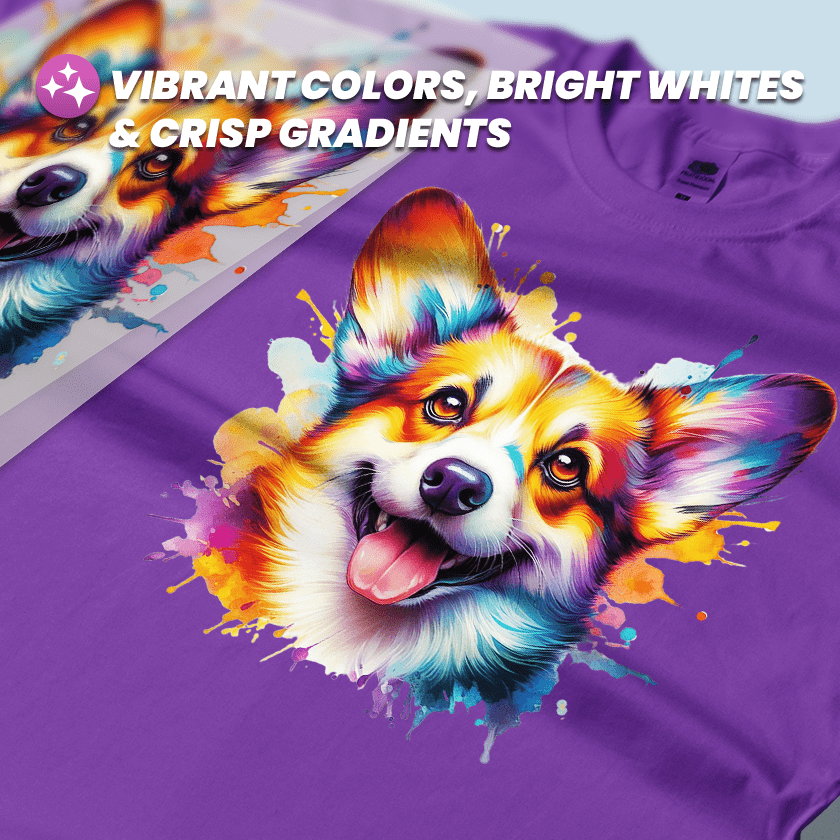
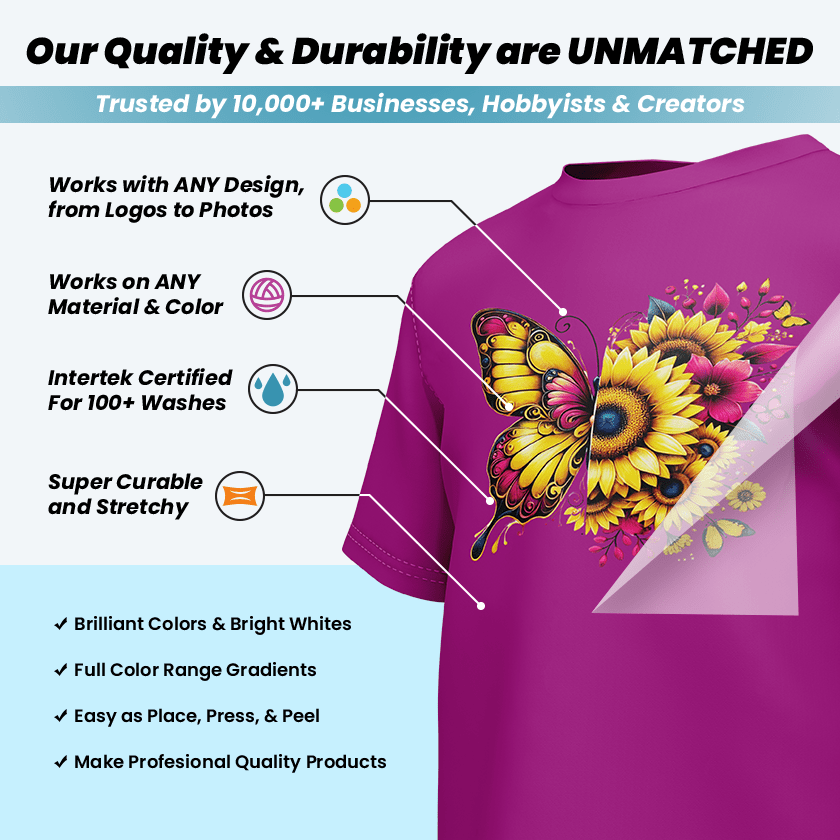
- Detailed full-color printing with gradients and a white underbase
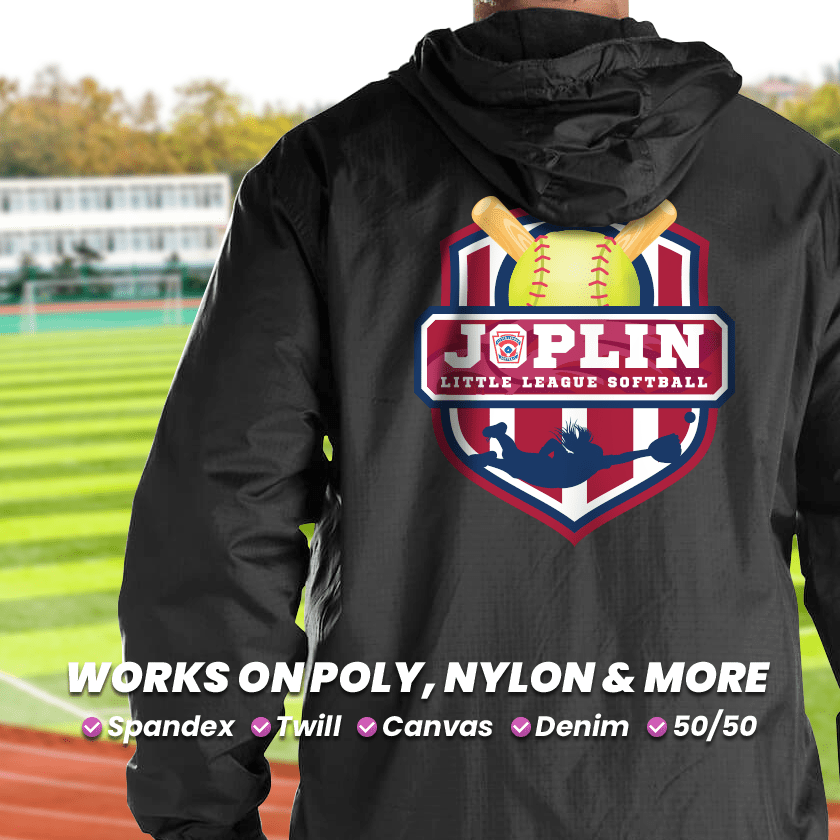
- Works on light and dark cotton, polyester, blends, fleece, canvas, and more
- No weeding or vinyl layering
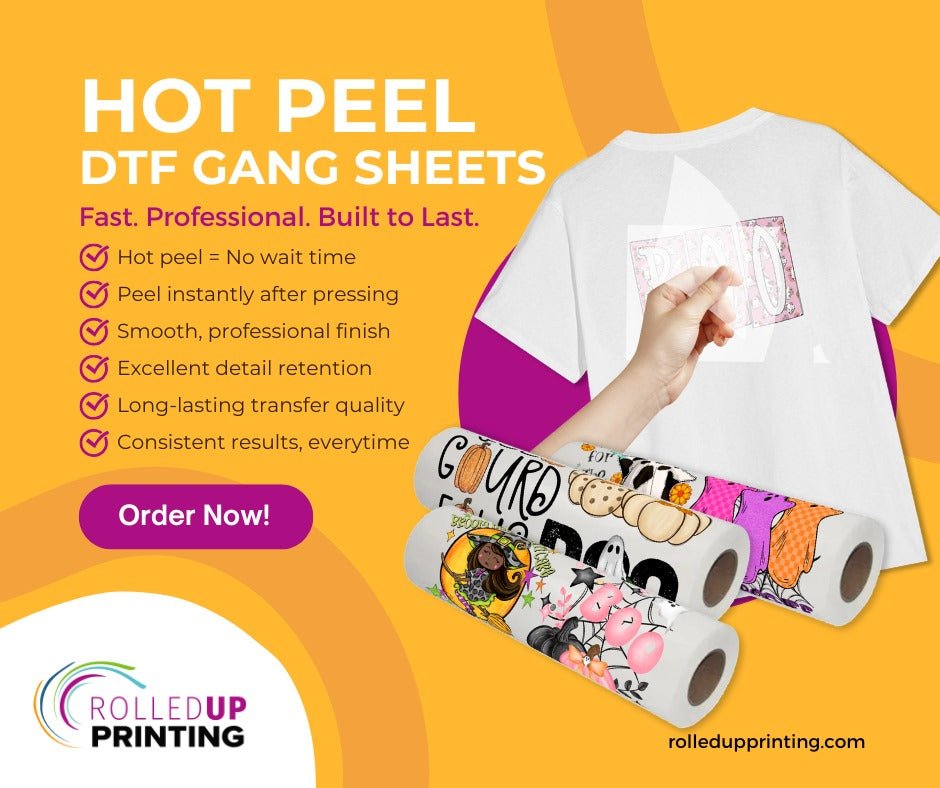
- Hot-peel application
- No minimum order
Using DTF on hard surfaces: DTF transfers work on wood and nearly any hard surface as long as the material can withstand 320°F and heat-press pressure without melting, warping, or being damaged. Always test a small area first. For smooth hard surfaces when you prefer a no-heat application, use our UV DTF transfers.
Pressing Instructions
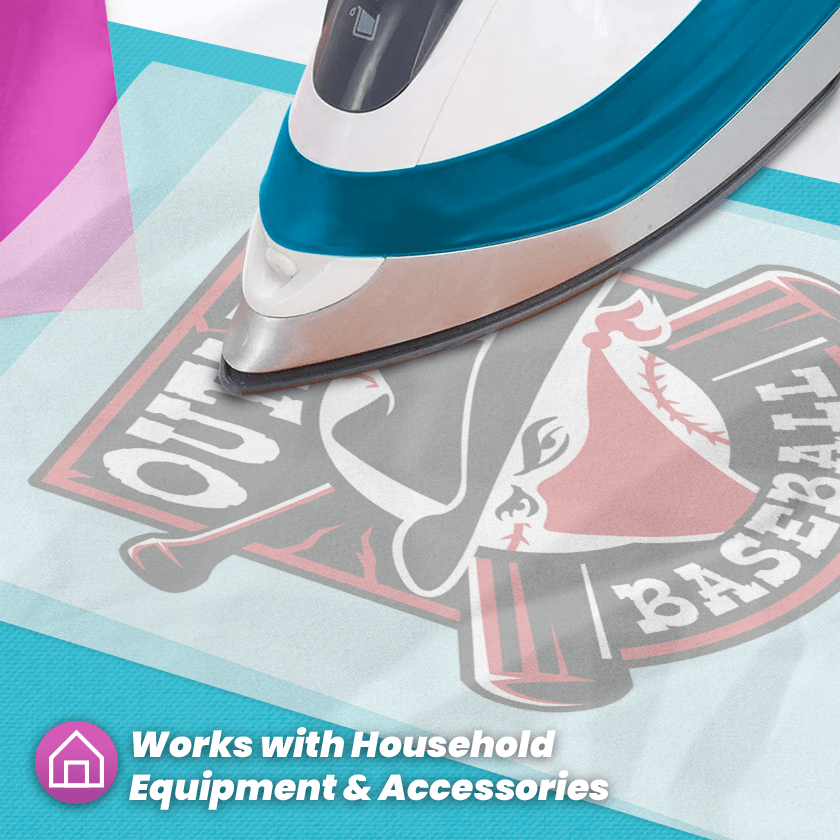
Always test one transfer first. Set your heat press to 320°F and press for 10-13 seconds using medium pressure. Hot peel: Peel the film immediately. If the film resists or does not release cleanly, wait about 10 seconds and try again. Results can vary depending on the material and your heat press.
Print-Ready Artwork Requirements
- Accepted files: PDF, PSD, SVG, EPS, AI, or PNG
- Submit artwork at 300 PPI at the final print size whenever possible.
- Use a transparent background when the design should not include a printed box or background.
- Avoid semi-transparent pixels unless they are intentionally part of the design.
- No mirrored images
- Colors displayed on a screen may vary from the printed transfer.
Artwork is printed exactly as submitted. Prints made from files that do not meet these requirements are not eligible for replacement or refund. If your file needs preparation, use our Fix My Artwork service. Adobe provides official guidance for removing a background in Photoshop and exporting a transparent PNG.
For more information about DTF materials, pressing, care, and gang sheets, visit our DTF Transfer FAQ.
