RGB vs. CMYK for DTF Printing: Why Print Colors Change

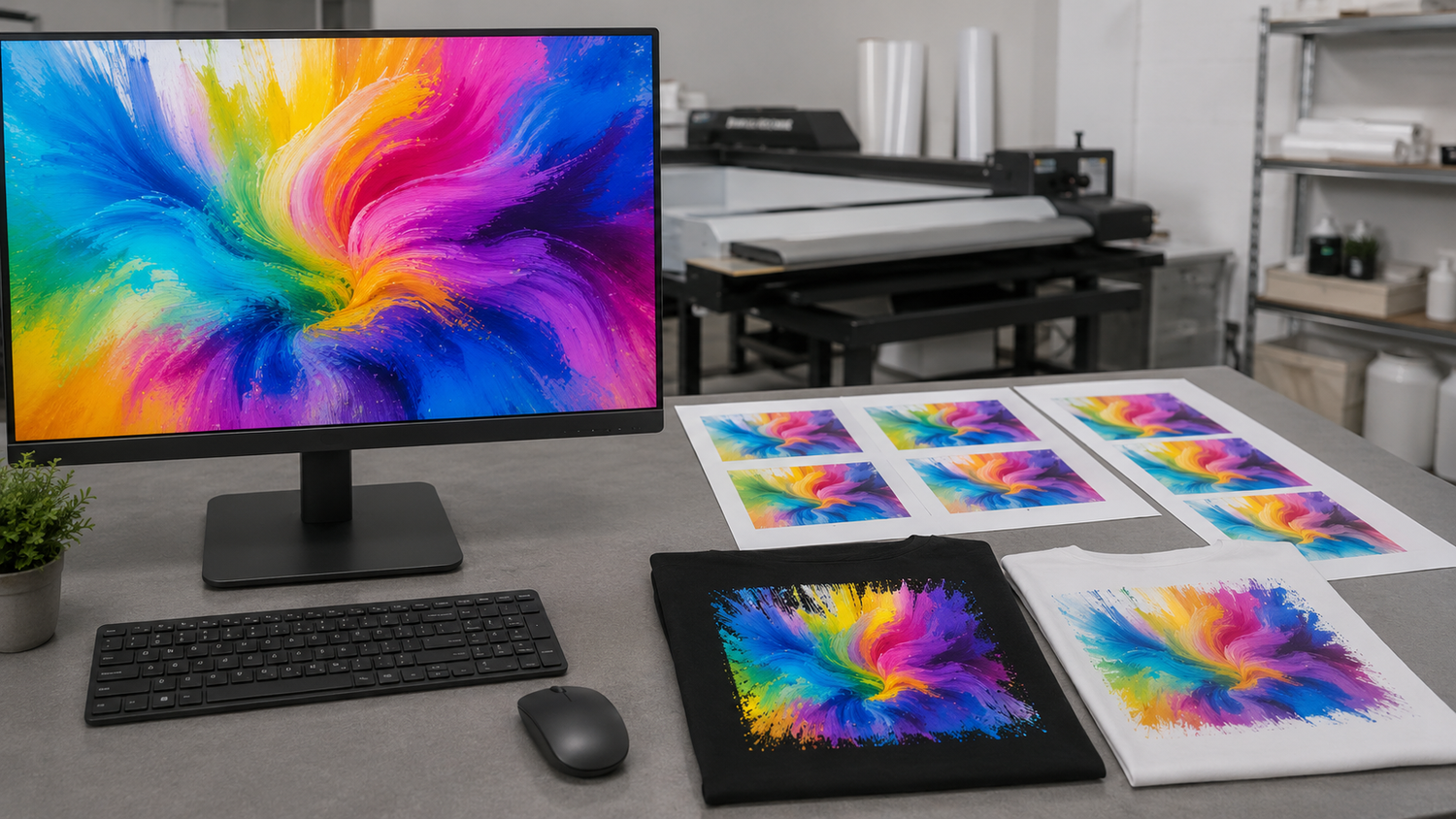
You send a bright RGB design that looks perfect on your monitor. The printed DTF transfer comes back with a different green, a less-electric blue or a purple that is not as vivid. Why?
The short answer is that screens and printers create color in different ways. Converting RGB artwork for CMYK printing can change colors that the ink system cannot reproduce exactly. File profiles, monitor settings and production conditions also affect the result.
Quick answer: A screen preview is not a physical color proof. Preserve the best original file and its embedded color profile, avoid extremely bright screen-only colors and expect some conversion. Transparent PNG artwork should normally remain RGB, while CMYK-capable PDF, AI, PSD, EPS or TIFF files can preserve print-focused color information.
What Is RGB?
RGB stands for red, green and blue. Phones, monitors and tablets combine those colors as emitted light. RGB can display a wide range of bright, saturated colors, including electric blues, vivid greens and intense purples.
The same RGB values can look different on two screens because displays vary in brightness, calibration, color profile and viewing settings. A phone with boosted saturation is not a neutral print preview.
What Is CMYK?
CMYK stands for cyan, magenta, yellow and black. Printing uses physical ink that reflects light rather than producing light. DTF production also uses a white layer beneath colored artwork so the design can remain visible on dark garments.
CMYK cannot reproduce every color available in RGB. When an RGB color falls outside the printable range, the color-management process maps it to a printable alternative.

Why RGB-to-CMYK Conversion Changes Color
Color conversion is not a simple name change. The software must translate colors from one range into another. Colors that already fit within the printable range may remain close. Highly saturated colors may shift in hue, brightness or intensity.
Colors that commonly deserve extra attention include:
- Neon and fluorescent colors
- Electric blue and very bright cyan
- Highly saturated green
- Deep violet and blue-purple
- Very bright orange and red
- Dark shadow colors that depend on screen brightness
Some of these colors can still print attractively, but they should not be expected to match an illuminated phone display exactly.
CMYK Is Not One Universal Color Profile
A CMYK profile describes a specific type of printing condition. A profile created for a commercial press on coated paper does not automatically describe DTF ink printed on film and transferred to fabric.
Rolled Up Printing uses a color-managed workflow configured for our production process. A generic customer-side conversion cannot guarantee an exact match because it does not describe that complete output process.
Should You Convert Every File to CMYK?
No. Convert only when the file format, software and production workflow support a controlled conversion.
Repeated conversions can make color management worse. For example, converting an image from RGB to a generic CMYK profile, exporting it without the profile and then allowing another program to reinterpret it can produce an avoidable shift.
Preserve the best original file and its embedded profile. When in doubt, submit the original plus any editable source instead of repeatedly saving new versions.
Why a Transparent PNG Is an RGB File
PNG is commonly used for DTF artwork because it preserves lossless raster detail and an alpha channel for transparency. Standard PNG color data is RGB, grayscale or indexed color, not CMYK.
That means a requirement for a transparent CMYK PNG is contradictory. For a finished raster design, use a transparent PNG with an embedded sRGB profile, adequate pixel dimensions and clean edges. The production color-management process handles the output conversion.
Can a PDF Have a Transparent Background?
Yes. A PDF viewer normally displays a white page, but that white page is not always an object that will print. PDF 1.4 and newer formats can preserve transparency.
There is an important difference between:
- Empty PDF page area: Nothing exists behind the artwork, even though the viewer displays white.
- A white rectangle: A real white object was placed behind the artwork and may be treated as printable content.
- Flattened transparency: Export settings replaced or divided transparent effects, potentially changing the appearance.
In Illustrator, choose View > Show Transparency Grid to inspect empty areas. In Acrobat Pro, Output Preview and the Object Inspector can help identify objects, transparency and color spaces.
Best File Formats for DTF Printing
| Format | Best use | Color and transparency notes |
|---|---|---|
| PNG | Finished raster artwork | Use embedded sRGB and real transparency. Build at final size and approximately 300 PPI. |
| Vector, text and mixed layouts | Can contain RGB, CMYK, spot colors, vectors and transparency. Embed fonts and profiles. | |
| AI or EPS | Editable vector logos and lettering | Outline or embed fonts and include linked images. Verify effects and artboard size. |
| PSD or TIFF | Layered raster production files | Can support embedded profiles and transparency. Keep a flattened proof export too. |
| SVG | Clean vector graphics | Outline text and expand unsupported effects. Confirm uploader compatibility. |
| JPEG | Photographs with intentional full backgrounds | Does not support transparency and may include compression artifacts. Avoid for isolated cutout graphics. |
What Rolled Up Printing's Standard Proof Review Means
Our standard file review looks for obvious problems, such as a visible white background, clearly damaged artwork or another major production issue. It is not a physical color proof, a calibrated soft-proof service or a promise to match the appearance of a customer's screen.
We do not include a physical color-match proof with a standard gang-sheet order. If a project depends on a highly specific brand color, contact us before ordering so we can discuss the artwork and whether the job is appropriate for the standard workflow.
How to Reduce Color Surprises
- Keep the original file. Do not overwrite your best source with repeated conversions.
- Embed the color profile. An untagged file gives software less information about how to interpret its numbers.
- Use sRGB for transparent PNG artwork. Do not attempt to create a CMYK PNG.
- Use color-managed PDF, AI, PSD, EPS or TIFF when CMYK or spot-color information matters.
- Avoid relying on neon screen colors. Choose printable alternatives when the exact appearance matters.
- Compare on a neutral display. Turn off extra-vivid, night and blue-light modes before making color decisions.
- Provide a reference for important colors. A Pantone name or physical sample explains intent, although it does not create an automatic exact-match guarantee.
- Reopen the exported production file. Confirm that transparency, profiles, text and dimensions survived export.
How This Applies to ChatGPT Images
ChatGPT-generated images are normally screen-oriented raster artwork. Keep the best original, verify the actual pixel dimensions, clean the background and export a transparent sRGB PNG. Do not force the file into generic CMYK simply to change the label.
Follow the complete preparation process in How to Make ChatGPT Images Print-Ready for DTF Transfers.
Prepare Your DTF Order
Use the DTF Gang Sheet Builder when you need to arrange separate transparent graphics. Use Upload Your DTF Gang Sheet when your complete 22-inch-wide layout is already sized and arranged.
If the artwork needs background removal, vector rebuilding, resolution correction or another production edit, begin with Fix My Artwork.
Frequently Asked Questions
Should DTF artwork be RGB or CMYK?
It depends on the format and workflow. Transparent PNG files should use an embedded sRGB profile. CMYK-capable PDF, AI, EPS, PSD or TIFF files can preserve print-focused color information when prepared correctly.
Why does my RGB artwork print differently?
RGB screens can display colors that CMYK inks cannot reproduce exactly. The monitor, file profile, conversion and physical print process all affect appearance.
Can a PNG be CMYK?
Standard PNG image data does not support CMYK. Use an embedded sRGB transparent PNG or choose a CMYK-capable format such as an appropriately prepared PDF, PSD, TIFF, AI or EPS file.
Does a PDF always have a white background?
No. PDF viewers normally display the page as white, but the empty page area can remain transparent. A separate white rectangle or an incorrect flattening step is what creates printable white content.
Will converting my file to CMYK guarantee an exact match?
No. The selected CMYK profile must describe an appropriate printing condition, and the final result still depends on the output process. A generic conversion can reduce extreme RGB colors without guaranteeing the exact printed result.
Does Rolled Up Printing provide a color proof?
Standard file review is not a physical color-match proof. It checks for obvious issues such as visible backgrounds or clearly damaged files. Contact us before ordering when a project depends on a highly specific color.
Which colors are most likely to shift?
Neon colors, electric blues, highly saturated greens, intense violets and other colors near the edge of the RGB display range deserve the most caution.

Leave a comment
This site is protected by hCaptcha and the hCaptcha Privacy Policy and Terms of Service apply.